Web Nerdism w/ PHP 101 › Basics
Forms
Phillip Harrington Nov 2026
Query strings send data you type into the address bar. Forms send data people type into a page: a search box, a signup, a comment, a checkout. A form is plain HTML. The browser already knows how to show it, check it, and send it, with no JavaScript at all. Your job is the other end: reading what arrives, and deciding whether to believe it.
This lesson has no jokes. Forms are no laughing matter.
What's a Form?
<form action="/order" method="post">
    <label>Name <input name="name" required></label>
    <button type="submit">Order</button>
</form>- action: where to send it. Leave it off, and the form sends to the page it's on.
- method:
getputs the fields in a query string;postputs them in the request body. The default isget. - name, on each field: the name its value is sent under. A field without a name isn't sent at all.
- label: the field's visible name. Clicking it puts you in the field, and screen readers read it aloud.
- button, with
type="submit": sends the form. A button with no type inside a form submits it anyway, but it's clearer to say so, andtype="button"is how you make one that doesn't.
get and post are HTTP methods, the same ones from Request and Response, and they're the only two a form can use on its own. Each field's name is the name in its name=value pair, which is why a field without one goes nowhere. And give every field a label, either wrapped around it, as here, or pointing at it with for= and the field's id. Then clicking the words works like clicking the field, which matters most for a checkbox, whose own target is tiny.
Fields
input does most of the work, changing with its type. The ones you'll use most:
| type= | For |
|---|---|
text | a line of text |
email | an email address; the browser checks for an @, and phones show an @ key |
number | a number, with up and down arrows |
password | text that shows as dots while you type |
checkbox | on or off; sent only when checked |
radio | one choice from a group that shares a name |
date | a date, with a calendar to pick from |
hidden | sent, never shown, and still input |
Then select for a list to pick from, and textarea for writing more than a line.
The browser can check some things before it sends: required, type="email", min and max, maxlength. Use them. They save people a round trip to the server just to find out they missed something. But they're a courtesy to honest visitors, not a defense, as Try It will show.
How It Works
- Someone fills in the form and presses the button.
- The browser runs its checks. If any fail, it says so and sends nothing.
- It collects every named field as
name=value. A checkbox is sent only if it's checked, and a disabled field isn't sent at all. - If the form's method is
get, those pairs become the query string. If it'spost, they go in the body, labeledapplication/x-www-form-urlencoded(ormultipart/form-data, when the form uploads a file). - PHP puts them in
$_GETor$_POST.
Use get for forms that look something up, like a search, so the result has a URL you can share. Use post for forms that change something: signups, comments, orders.
Then the part that matters most. Never trust input. Step two only happens in a browser that behaves. Anyone can delete required in their developer tools, send whatever they like with curl, or post to your form from a page of their own (which is how CSRF works, in Security). Every check that matters must be run again on the server.
Try It
A shirt order that checks everything twice: once in the browser, for courtesy, and once on the server, for real. In a folder, make index.php.
This is the biggest example yet, about forty lines, and that's fine. Half of it is HTML you already know. The PHP at the top does three things: reads the fields, checks them, and decides what to say. The HTML at the bottom shows the answer and the form. Read it top to bottom once, then we'll poke at it.
<?php
$sizes = ['small', 'medium', 'large'];
$posted = $_SERVER['REQUEST_METHOD'] === 'POST';

// Never trust input. The browser's checks are a courtesy; these are the real ones.
$name = is_string($_POST['name'] ?? null) ? trim($_POST['name']) : '';
$size = $_POST['size'] ?? '';
$wrap = isset($_POST['wrap']);

$errors = [];
if ($posted && $name === '') {
    $errors[] = 'Your name, please.';
}
if ($posted && !in_array($size, $sizes, true)) {
    $errors[] = 'Pick a size from the list.';
}
?>
<!doctype html>
<meta charset="utf-8">
<title>Order a shirt</title>

<?php if ($posted && !$errors): ?>
    <p>Thanks, <?= htmlspecialchars($name) ?>: one <?= $size ?> shirt<?= $wrap ? ', gift wrapped' : '' ?>.</p>
<?php endif; ?>
<?php foreach ($errors as $error): ?>
    <p><?= $error ?></p>
<?php endforeach; ?>

<form method="post">
    <p><label>Name <input name="name" value="<?= htmlspecialchars($name) ?>" required></label></p>
    <p><label>Size
        <select name="size" required>
            <option value="">Pick one</option>
            <?php foreach ($sizes as $s): ?>
                <option<?= $s === $size ? ' selected' : '' ?>><?= $s ?></option>
            <?php endforeach; ?>
        </select>
    </label></p>
    <p><label><input type="checkbox" name="wrap"<?= $wrap ? ' checked' : '' ?>> Gift wrap</label></p>
    <p><button type="submit">Order</button></p>
</form>Start it the usual way:
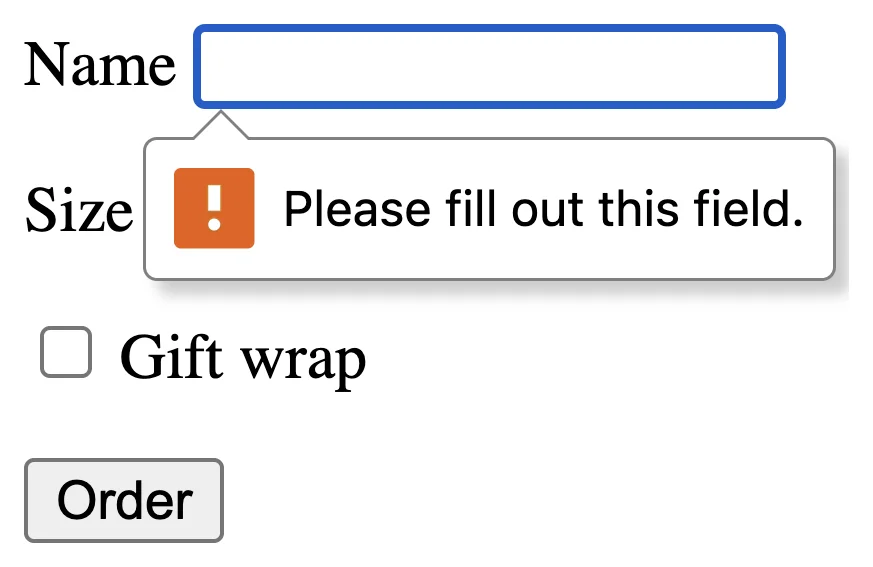
docker run --rm -it -p 8000:8000 -v "$PWD":/app -w /app php:8.4-cli php -S 0.0.0.0:8000Open http://localhost:8000 and press Order with nothing filled in: the browser stops you. That's required.
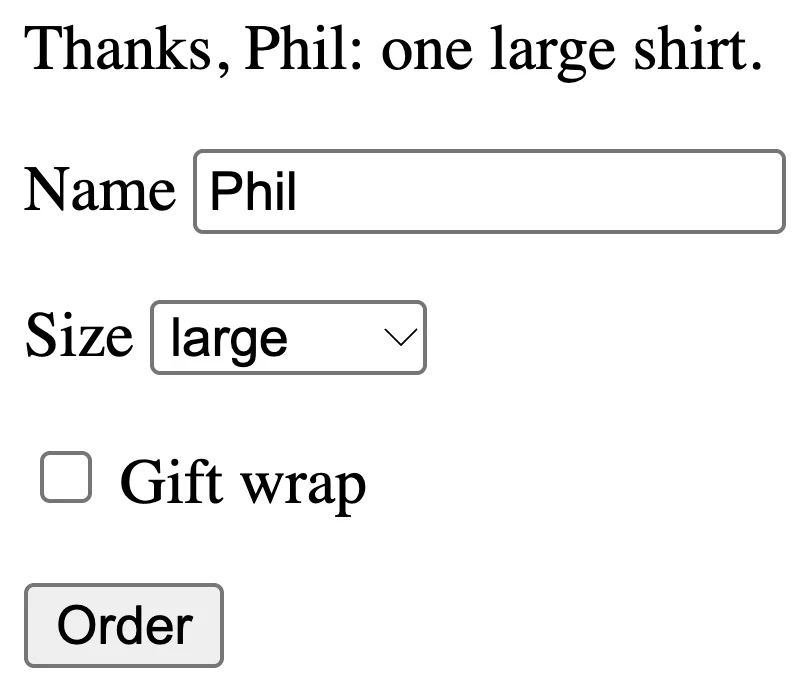
Fill it in properly, and it thanks you.
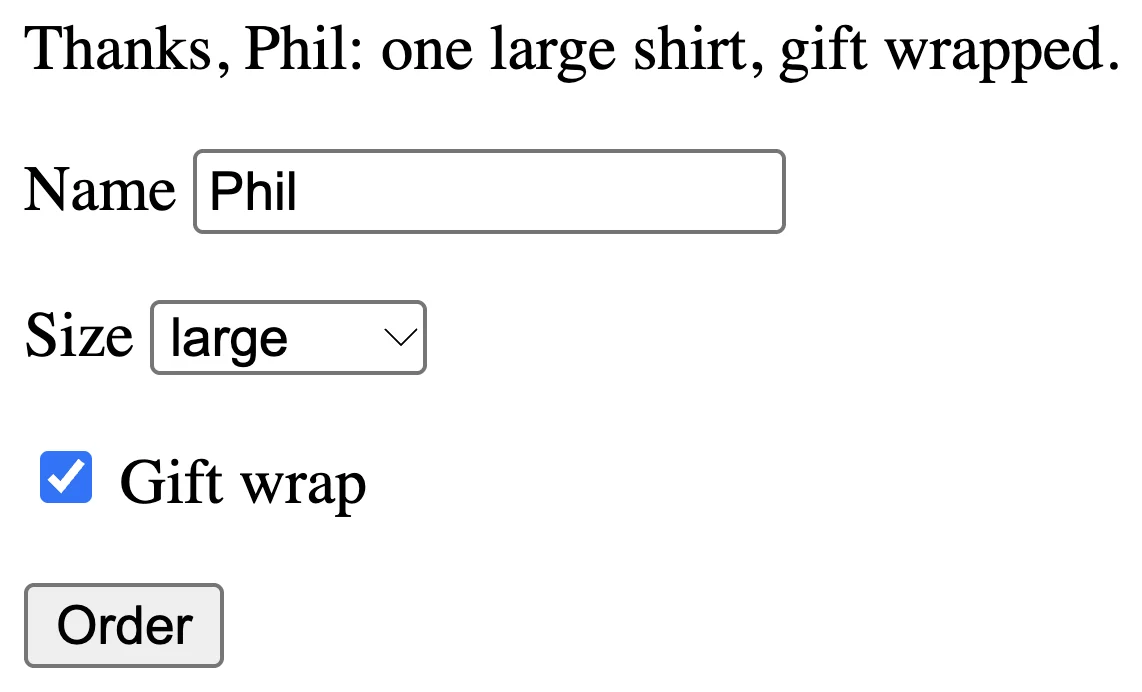
Now go around the browser, the way a script would, with a size that isn't on the list:
curl -d 'name=&size=huge' http://localhost:8000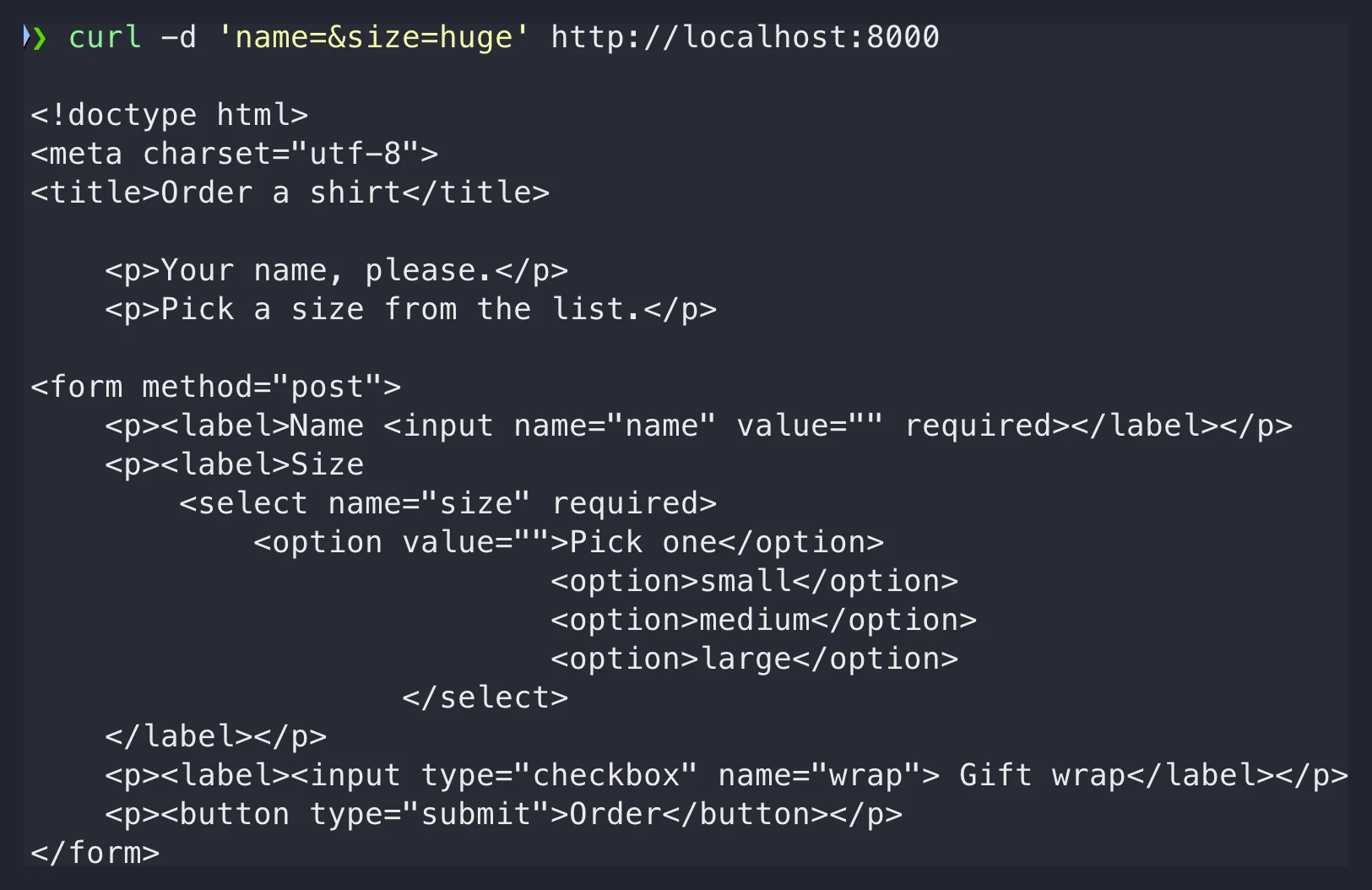
The browser's checks never ran, and the server caught both problems anyway. One more: send a name with HTML in it.
curl --data-urlencode 'name=<b>hi</b>' -d 'size=large' http://localhost:8000Only the new part:
--data-urlencode- Like
-d, but curl encodes the value for you first, so characters like<and&arrive as text instead of breaking the form data.
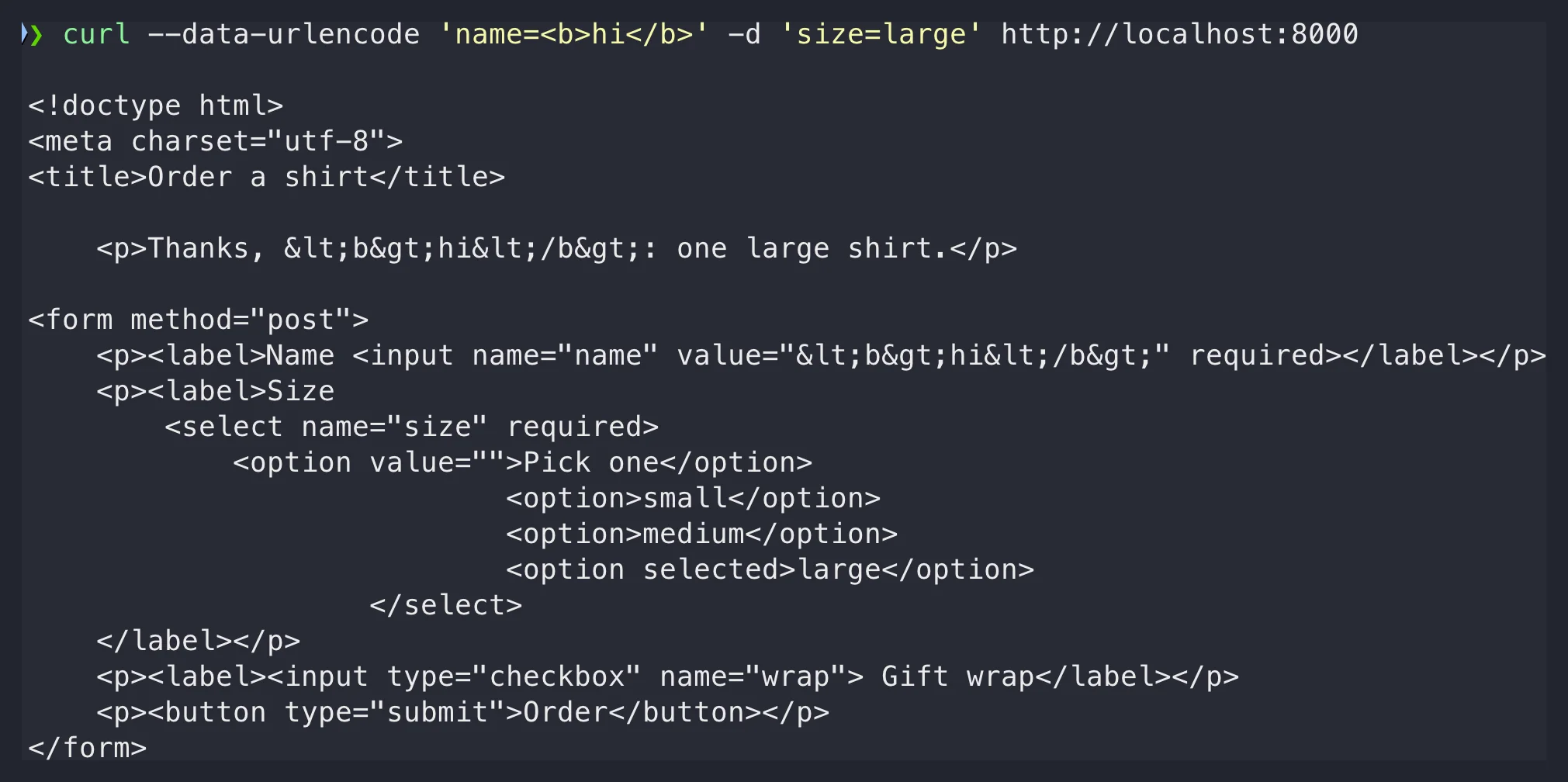
Look at the HTML that comes back: <b>hi</b>. htmlspecialchars() turned the tags into harmless text, in the message and in the box. Every time you put user input back into a page, escape it like that. The XSS lesson, in Security, is why.
New to Docker or the terminal? Tools has the setup.
In PHP
$_POSTholds the fields of apostform, decoded. Every value is input: check its type, trim it, and test it against what you'll accept.$_SERVER['REQUEST_METHOD'] === 'POST'tells "showing the form" apart from "it was submitted."isset($_POST['wrap'])is how you read a checkbox: checked means present, unchecked means missing.in_array($value, $allowed, true)keeps aselecthonest: the value has to be one of yours.htmlspecialchars()on anything you echo back into the page.
Gotchas
- An unchecked checkbox sends nothing. Not "off," not empty: nothing. Test whether it's there.
- A select isn't an allow list. The browser only offers your options, but anyone can send any value. Check it against the list on the server.
- Reloading resubmits a POST. Submit the shirt order, then reload, and the browser asks whether to send it again. Real forms answer a successful POST with a redirect: Post/Redirect/Get, from Request and Response. The example skips it to stay short.
- Disabled and read-only fields can both be changed. A
disabledfield isn't sent, and areadonlyone is. Either way, anyone can edit them in their developer tools, or send a value of their own, so never trust input.
Nerd Out
JavaScript Makes It Weird
Everything above is an HTML form on its own. Add JavaScript and the rules loosen. A script can read a field that has no name, by its id or any other way it can find it, and send it anyway. It can send PUT, PATCH or DELETE, which a plain form can't. It can submit without anyone pressing the button, or send JSON instead of name=value pairs. None of it changes the server's side: whatever arrives, however it got there, is still input.
PHP at the Top, Form at the Bottom
This example uses the most common shape there is for a PHP form, and you'll write it a hundred times. One file does both jobs. The PHP at the top asks whether this request is a POST ( $posted), and only then reads the fields, checks them, and decides what to say. The HTML at the bottom shows any message, then the form, which posts back to the same file.
The key: every variable gets a value before the HTML starts, either what came in or a default, like an empty string. So the HTML never has to ask whether anything exists. It just prints $name, with no isset() in sight, and the form shows up empty the first time and filled in after. It's a common pattern, not the only one: frameworks and bigger apps split these jobs across files, and you'll meet some of those ways later.
Pick the right input type
type="email" gives phones a keyboard with an @ on it. type="tel" brings up a number pad, and inputmode="numeric" does the same for PINs and quantities. One attribute, and every phone user types less and gets it wrong less.
Your form's data leaves the browser, bound for the server in the form's action. But it rarely goes straight there. Next: what's in the middle.